

Simple Batch Photo Resizing

Batch resize, pad or reframe
Screenshots
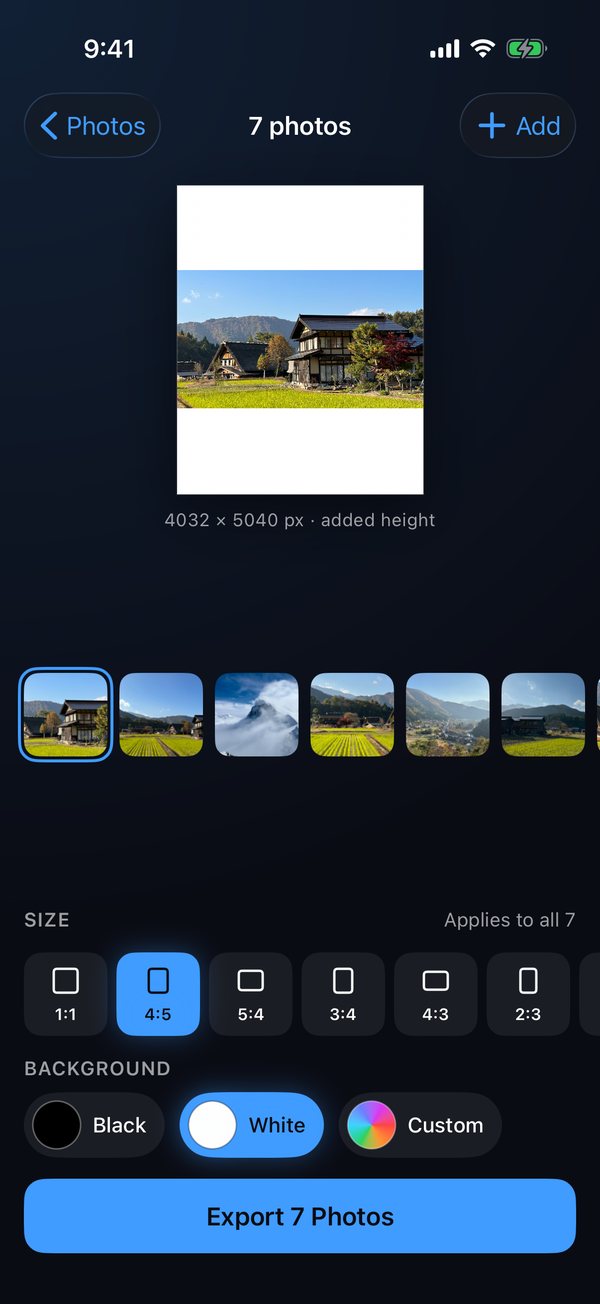
Pad a batch to 4:5 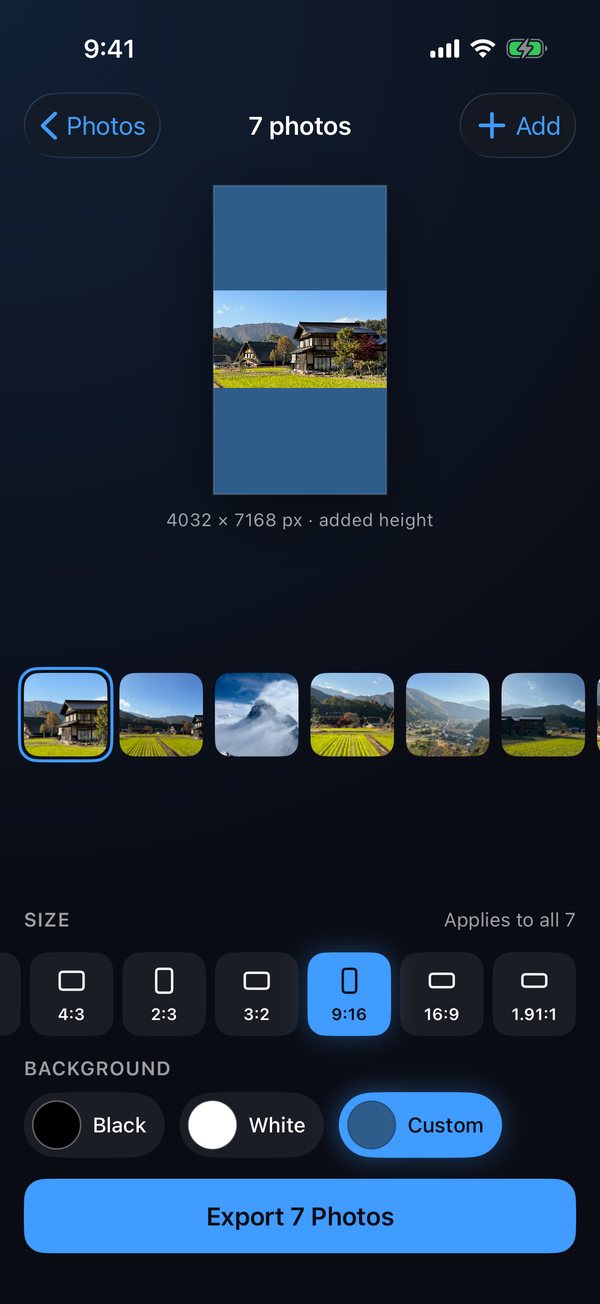
Any size, any colour 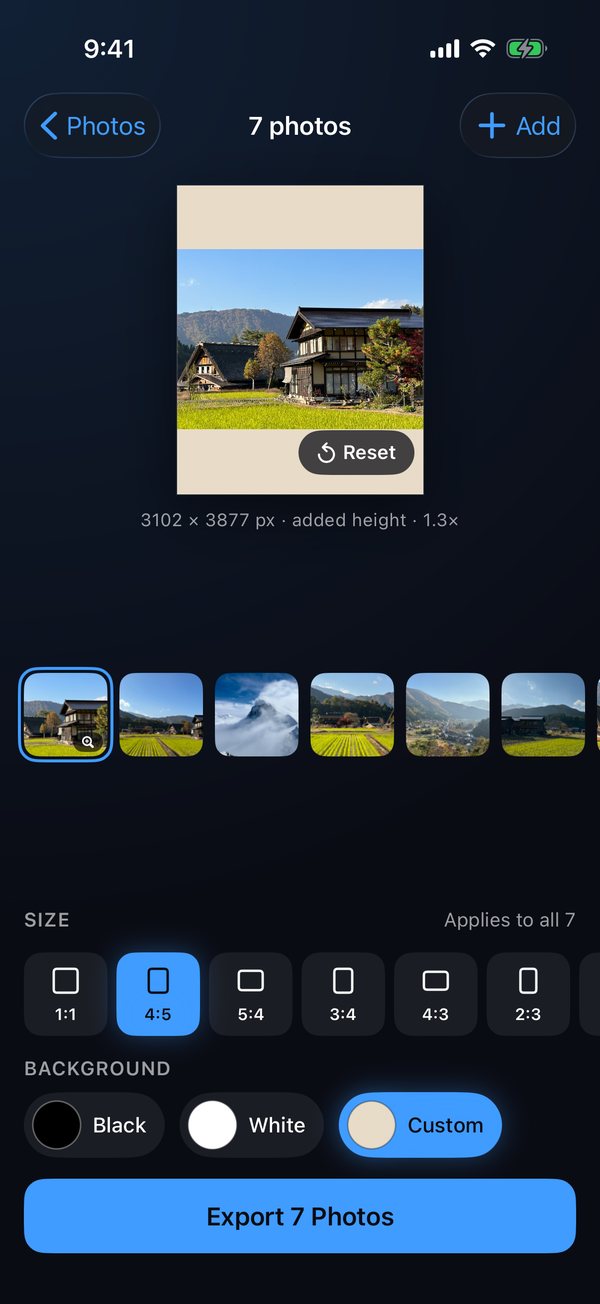
Pinch to reframe 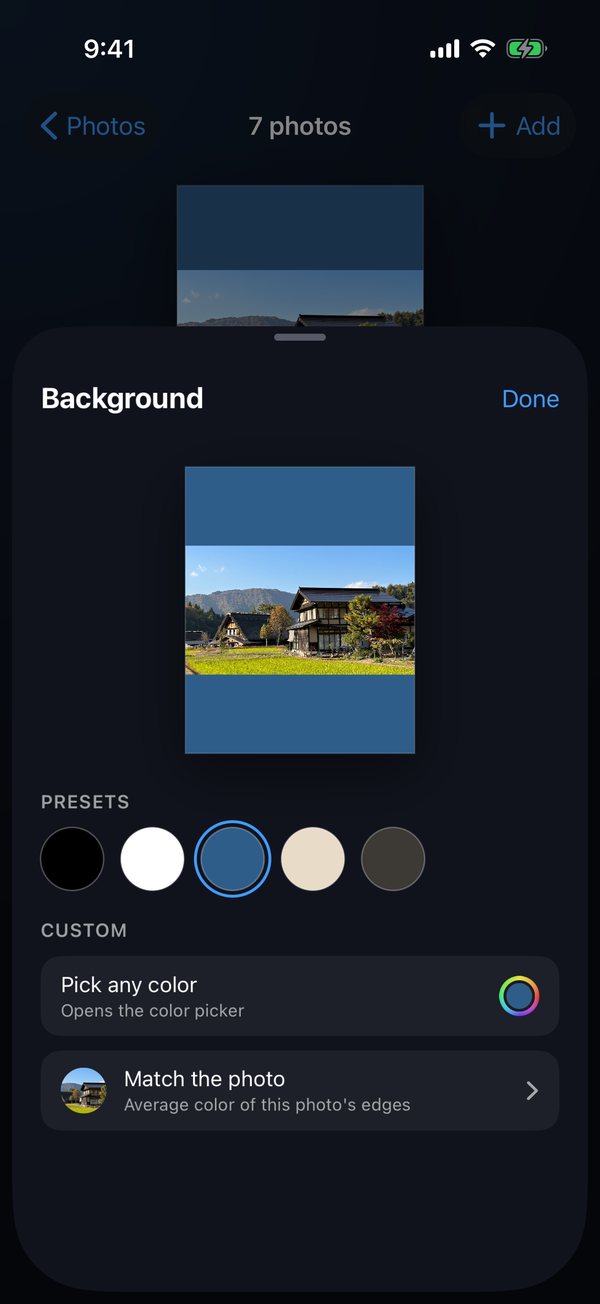
Match the Photo
What it is
Select photos, choose a size, and every one comes back matching. By default nothing is cropped and nothing is scaled: the frame grows around each photo and the original pixels are kept exactly as they are. With Premium, pinch a photo to zoom in and reframe it instead.
Used to match multiple photos with different orientation for posting to Instagram.
Features
Padded, or reframed
By default the frame grows to the size you picked and your photo keeps every pixel. With Premium, pinch to zoom and reframe: it crops at the photo's own resolution and never upscales it.
Ten sizes
Square, 4:5, 5:4, 3:4, 4:3, 2:3, 3:2, 9:16, 16:9 and 1.91:1, for every place a photo goes.
A whole batch at once
One size and one background applied to everything you picked, exported in a single pass. Ten photos at a time free, fifty with Premium.
Any background colour
Black and white free forever. Any colour, or Match the Photo — the average of its own edges — with Premium.
Videos too
One clip per export with Premium, always padded, never cropped. The footage stays exactly as it was shot.
Private by design
It stores nothing and never goes online. The only permission it asks for is to add photos to your library; it cannot read it. An iPhone app that also runs on iPad, in iPhone mode.
Price
Free
Square, with a black or white background, up to ten photos at a time.
Premium
All ten sizes, any background colour including Match the Photo, pinch-to-zoom reframing, video padding (one clip per export), and up to fifty photos at a time. A one-time purchase, no subscription.
Have an offer code? Redeem it in the app: open Unlock Premium and tap Redeem Code.
Support
Found a bug, or want something added? Send it here and it comes straight to me.